



STEM Education Series
Spinning LED Kit
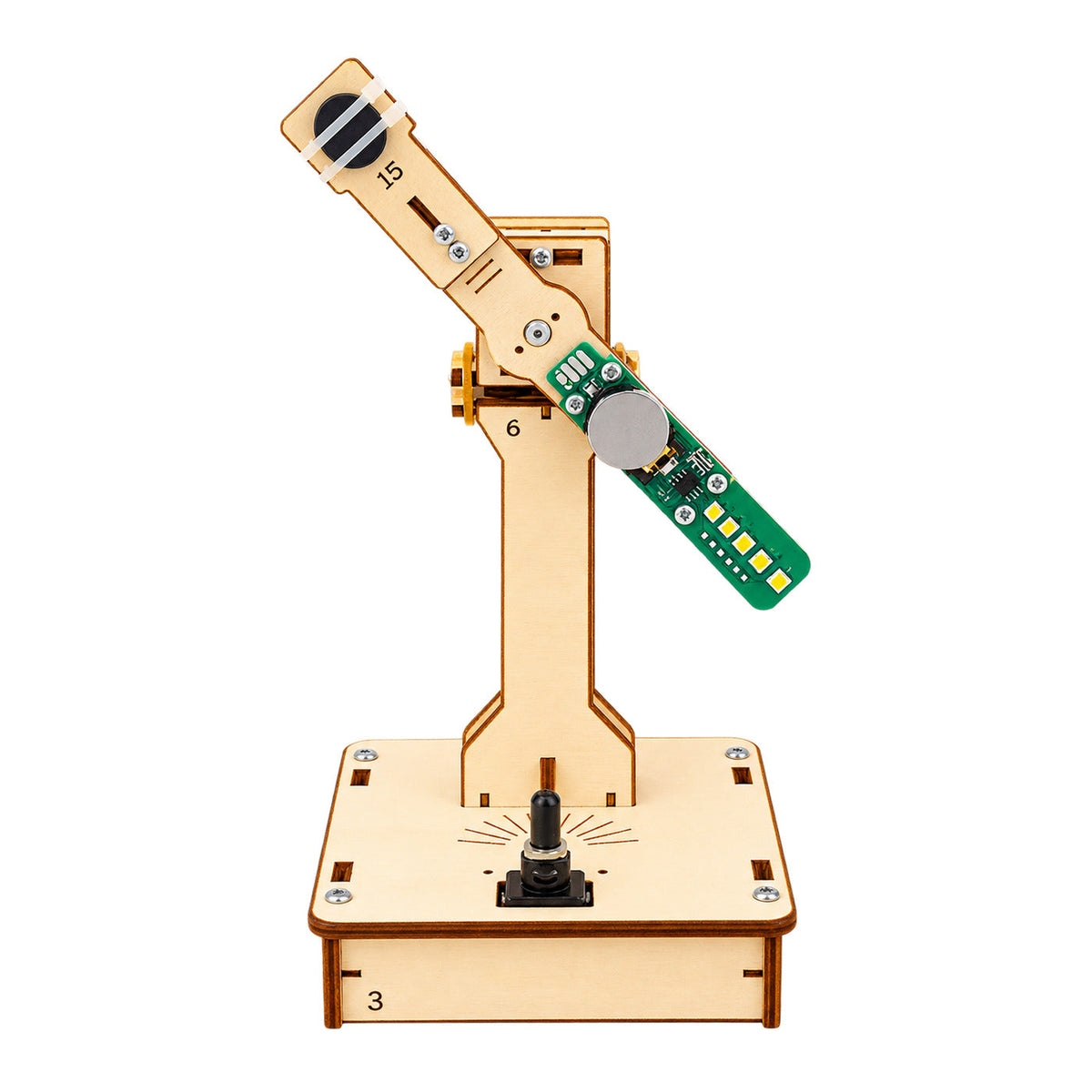
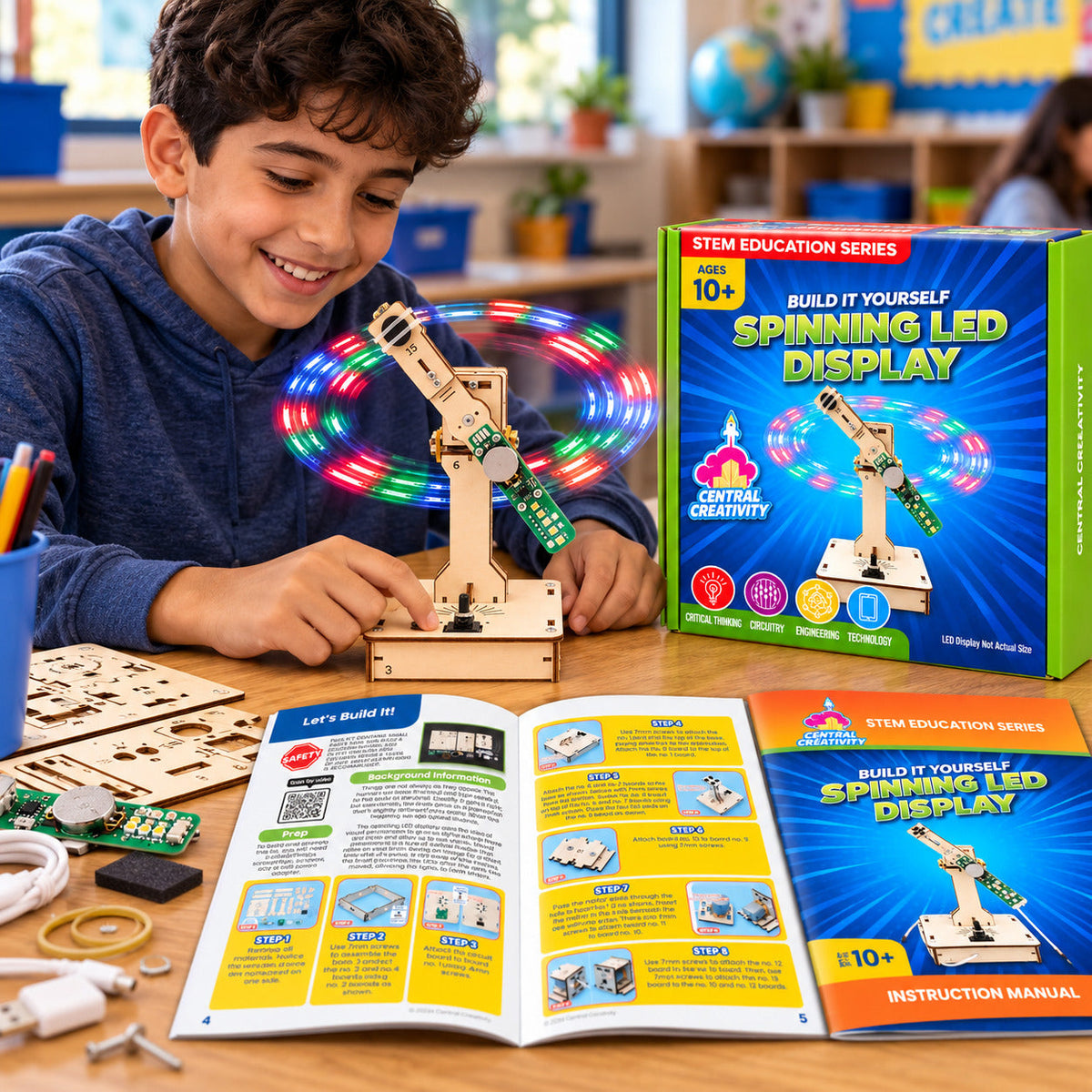
A message that floats in midair! A single arm of LEDs spins in a circle, flashing in a timed pattern as it sweeps around. Once it is up to speed, the flashes blend together and a glowing message comes into view, with no screen at all. The eye holds onto each flash just long enough for the next one to arrive, turning hundreds of quick blinks into letters that seem to stand still. It is a dazzling, hands-on way to see the science behind how digital displays create images.
Spinning LED Kit
The Big Idea
The brain blends rapid flashes of light into a steady image.
- Ages
- 10+Adult supervision required.
- Physics
- Circuitry
- Engineering
- Observation
Safety
- Contains small parts. Not suitable for children under 3.
- Keep fingers clear of the spinning arm while the power is on. Adult supervision required.
- Contains a coin cell battery. Swallowed button batteries can cause serious internal injury. Keep away from small children.

What’s in the Kit
- All materials to build one Spinning LED Display
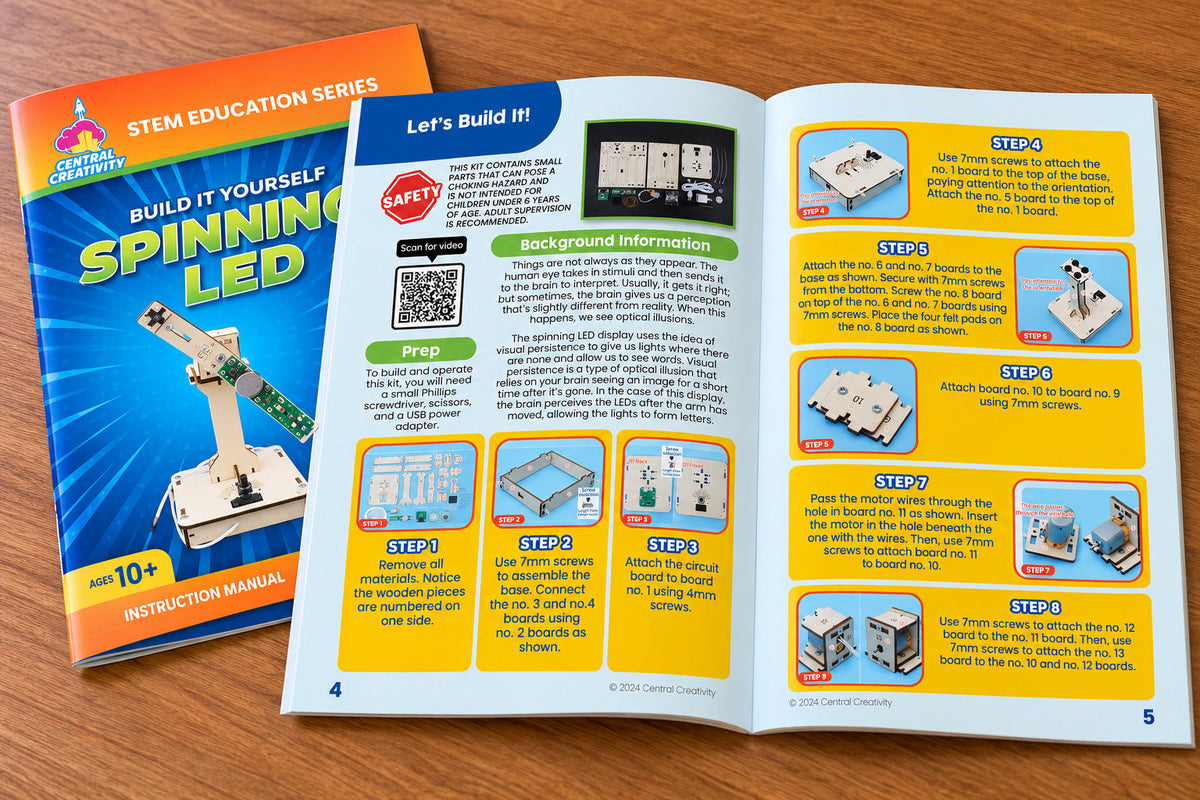
- Full color, step-by-step instructions
What you add
Nothing.
Real-world connection
How Do Digital Displays Light Up a Picture?
Many signs and light shows do not light every part of the picture at once. A laser projector draws with a single beam moving so fast that the eye sees a solid shape, and a large LED screen switches rows of lights on and off faster than the eye can follow. Either way, the brain blends those quick flashes into one steady image. This effect is called persistence of vision. The Spinning LED Display uses the same science in a single sweeping arm. A small circuit flashes the LEDs in a precise pattern, printing the message one thin slice at a time, while a magnet marks the starting point so every turn lines up. A battery on the arm keeps the lights glowing as it spins fast enough for the flashes to blend into letters that seem to hang in the air.


For classrooms
The Spinning LED Kit is a great fit for classrooms, after-school programs, and camps. Each kit builds one spinning LED display and arrives individually packaged with all materials and instructions included.
Purchasing for your school or program? Request a quote.